

AEO Intro
The Google Mobile-Friendly Test is often used but rarely understood. This page explains how the test works, what its results actually indicate, and what it does not measure. It does not diagnose ranking problems, replace audits, or evaluate design quality. It focuses strictly on mobile usability signals.
📱 Is your website truly optimized for mobile? Many business owners assume that the Google Mobile-Friendly Test tells the whole story—but the truth is different. In this complete guide, learn what the test actually shows, what it doesn’t, and how to use the results to genuinely improve mobile user experience and boost traffic. Don’t let your site merely “pass the test” while frustrating mobile users!
The Direct Answer
A mobile friendly test guide explains how to use Google’s Mobile-Friendly Test tool to evaluate whether a webpage meets baseline mobile usability requirements. The test checks rendering, viewport behavior, and interaction constraints within Google’s mobile crawler environment. The results depend on how the page responds to mobile conditions, not how it looks on a desktop screen.
Why This Becomes Confusing for Business Owners
Many business owners assume a “pass” means their site is optimized. Others assume a “fail” explains traffic loss. Neither is accurate. The test only evaluates technical usability thresholds, not speed, layout effectiveness, or conversion performance, which leads to misplaced conclusions.

What This Actually Affects
➤ Crawl Interpretation
The test reflects how Googlebot Mobile renders a page, not how users experience it across devices.
➤ Interaction Constraints
Touch elements, font scaling, and viewport rules directly influence pass or fail outcomes.
➤ Error Visibility
The test highlights blocking issues but ignores softer usability problems that still impact users.
Google Mobile Test
The google mobile test reports binary outcomes with limited context. It flags structural issues like blocked resources or viewport misconfiguration but does not explain prioritization. Treating the output as diagnostic rather than advisory avoids misinterpretation.
How This Relates to the Broader Content Cluster
Mobile usability testing fits within a wider mobile-first framework. Broader design implications and search visibility considerations are explained in why mobile-first design is crucial for local SEO, which places testing results inside the larger mobile strategy context.
Separately, test results often surface performance-related constraints that require deeper evaluation. Those scenarios are explored in 5 ways to improve mobile page speed today , where load behavior and rendering delays are addressed independently from usability flags.
“Mobile-Friendly Test results are just a technical signal; even if your site “passes,” the real mobile user experience may still struggle. Focusing on actual user interaction is the key to successful optimization.”
— Keyvelopers Team
Common Mistake to Avoid
The most common mistake is fixing only what the test reports. This happens because the tool feels authoritative. The result is a site that technically passes while still frustrating mobile users.
When This Topic Matters Less
This test matters less for pages that are not indexed or intended for public discovery. Internal tools, gated portals, or temporary campaign pages often do not require optimization against this benchmark.
In Practice
A Chicago business runs the test and receives a failure due to blocked CSS. After unblocking resources, the test passes. However, mobile users still struggle with navigation because touch targets remain crowded. The test outcome improves, but usability does not.

What You Can Decide After This
- ➤ Whether the test result reflects a blocking issue or a surface signal
- ➤ Which reported problems require deeper investigation
- ➤ What the test cannot tell you about real mobile experience
Visual & Data Guidance
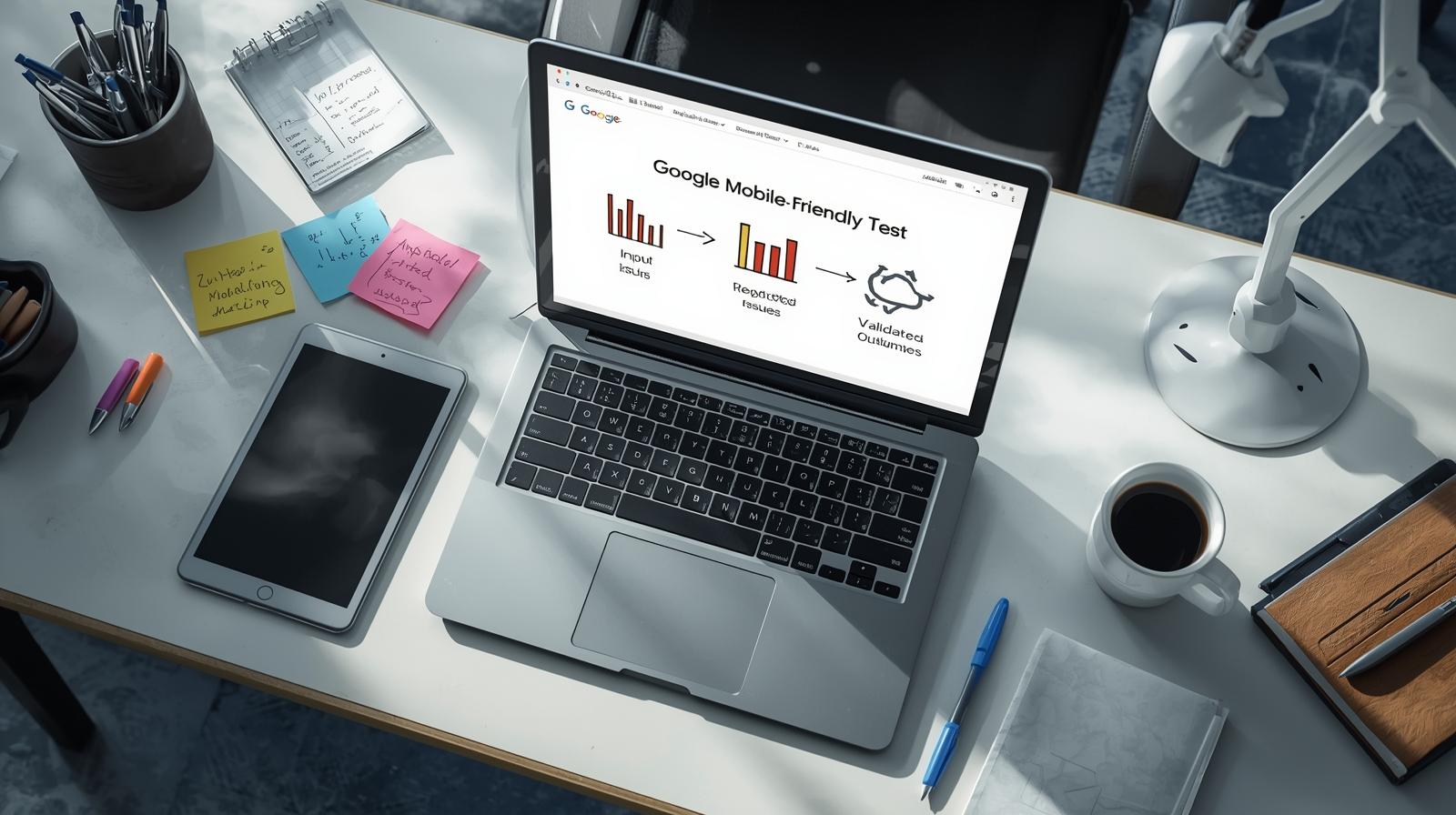
Optional visual: a simple flow diagram showing test input, reported issues, and what each category does and does not validate. This difference is easier to see when technical signals are separated from user experience outcomes.
Meet the Expert
Omid Mohsenian is a senior strategist at Keyvelopers who works with Chicago small businesses reviewing mobile usability constraints. His focus is on how technical pass conditions differ from actual mobile interaction patterns during audits.
LinkedIn:https://www.linkedin.com/in/omid-mohsenian-34422b4a/

keyvelopers is an SEO & AI search strategist specializing in Semantic SEO, entities, and GEO‑focused optimization.